
How to use a badminton score counter for singles and doubles
Set up players, match format and service information, record points and set results, and correct mistakes using a phone scoreboard.
Share this article
A badminton score counter helps record the result of each rally. Open iScoreboard in your browser, choose singles or doubles, enter the players and check the match format. Keep current points, service information and games won separate, rather than treating them as one score.
Open badminton score counterChoose the right format first
- Use Badminton for singles or Badminton Doubles for four players.
- Check games to win, points target, winning margin and points cap against your event.
- Confirm the first server and doubles positions before starting.
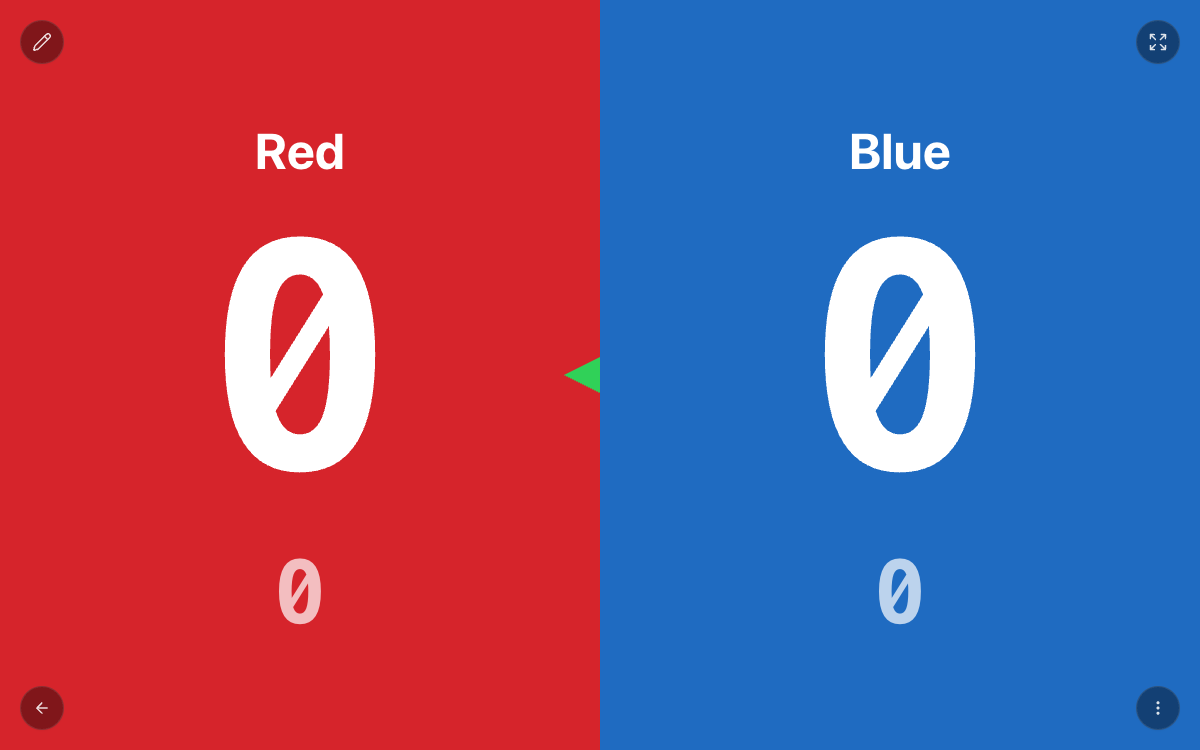
Read the different records correctly
| Record | Meaning | Common mistake |
|---|---|---|
| 8–6 | Points in the current game | Carrying them into the next game |
| 1–0 | Games already won | Confusing them with current points |
| Server | Who serves next | Assuming the left side always serves |
| Doubles positions | Player arrangement and service court | Assuming every service change swaps partners |
In rally scoring, award one point to the confirmed rally winner. Wait for the referee or players to agree before tapping. In doubles, also check the server and court positions. Designate one operator when several people can see the board.
Correct a mistaken point
Stop further input, read out the last confirmed score, and use the correction or subtract operation. Check service information again afterwards. If the error happened at game end, also check whether that game has been settled. Avoid replacing the entire match just to fix one point.
Scorekeeping and refereeing are different jobs
The tool records entered results. Officials or the players still decide line calls, faults and legal serves. Practise a few test rallies and game-end steps before an event, review the result in Records afterwards, and keep a final-score backup for important matches.
Frequently asked questions
Do I need to install the web scoreboard?
No. Use a phone, tablet or computer browser. Loading the website initially requires a connection.
What should I check after the match?
Check player names, each game result and the overall winner, then retain the confirmed result.
Was this article helpful?
Loading ratings…
Share this guide with your team