
iScoreboard
iScoreboard
Available on HUAWEI AppGallery — download it on your HarmonyOS phone or watch.
App Screenshots
On HUAWEI AppGallery
Open HUAWEI AppGallery and search for iScoreboard to get the latest version.
HarmonyOS Watch Ready
Optimized for HarmonyOS watches — raise your wrist and start scoring.
Lightweight & Handy
Score in spare moments, anytime and anywhere.
How to Get It
Open HUAWEI AppGallery on your HarmonyOS watch.
Search for iScoreboard, then download and install the app.
Tap the icon in the watch's app list to start scoring.
App Info
- Name: iScoreboard
- Platform: HarmonyOS smartwatch (latest version recommended)
- Where to get it: search for iScoreboard in HUAWEI AppGallery
- Developer: Douhua Fan Team
App Description
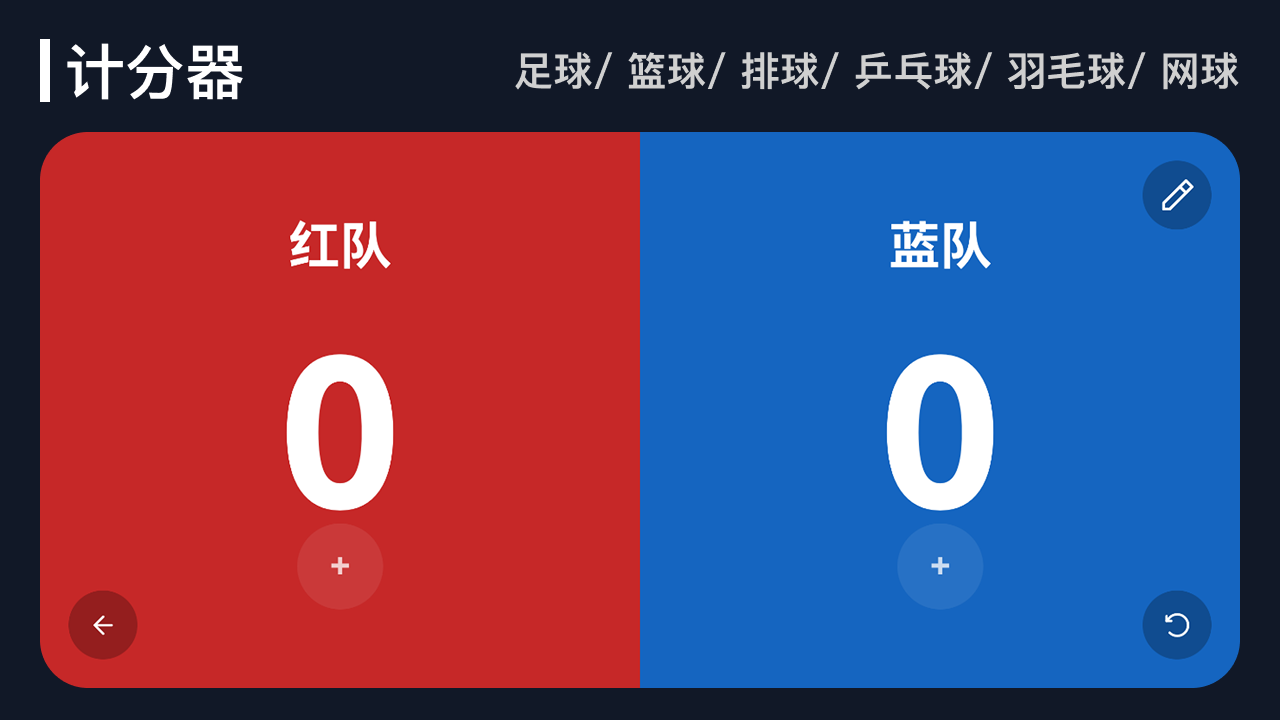
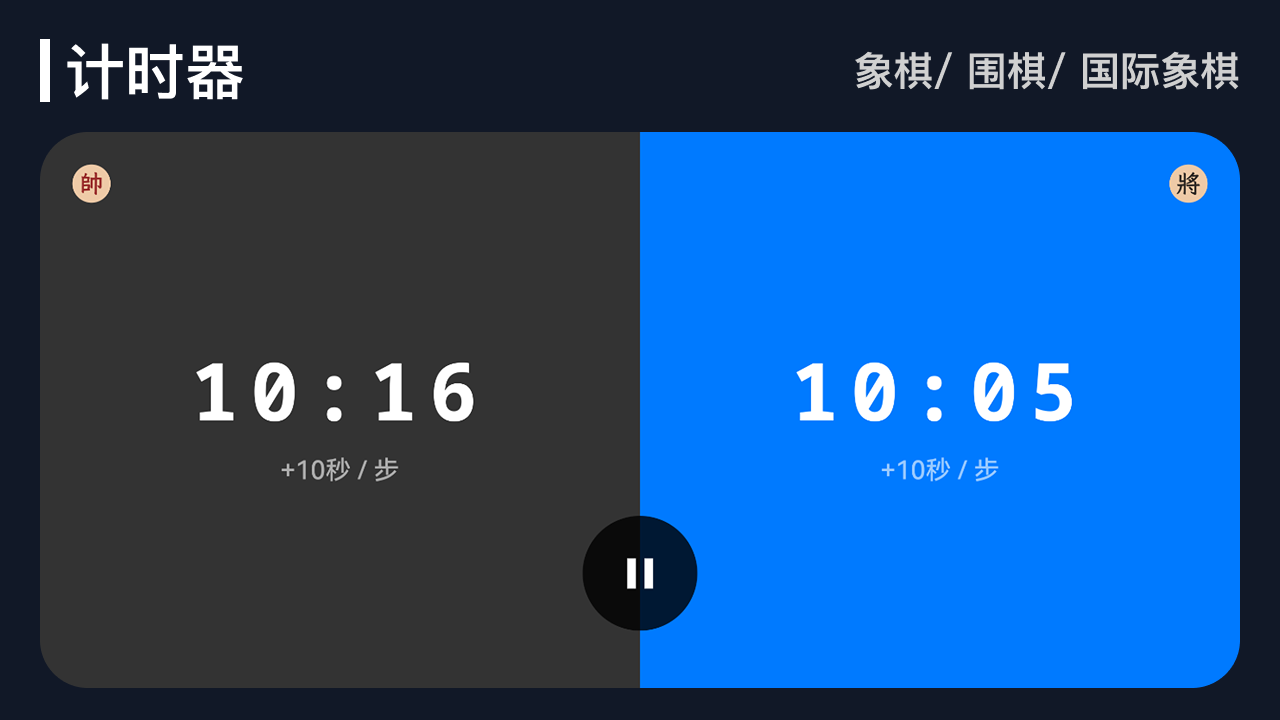
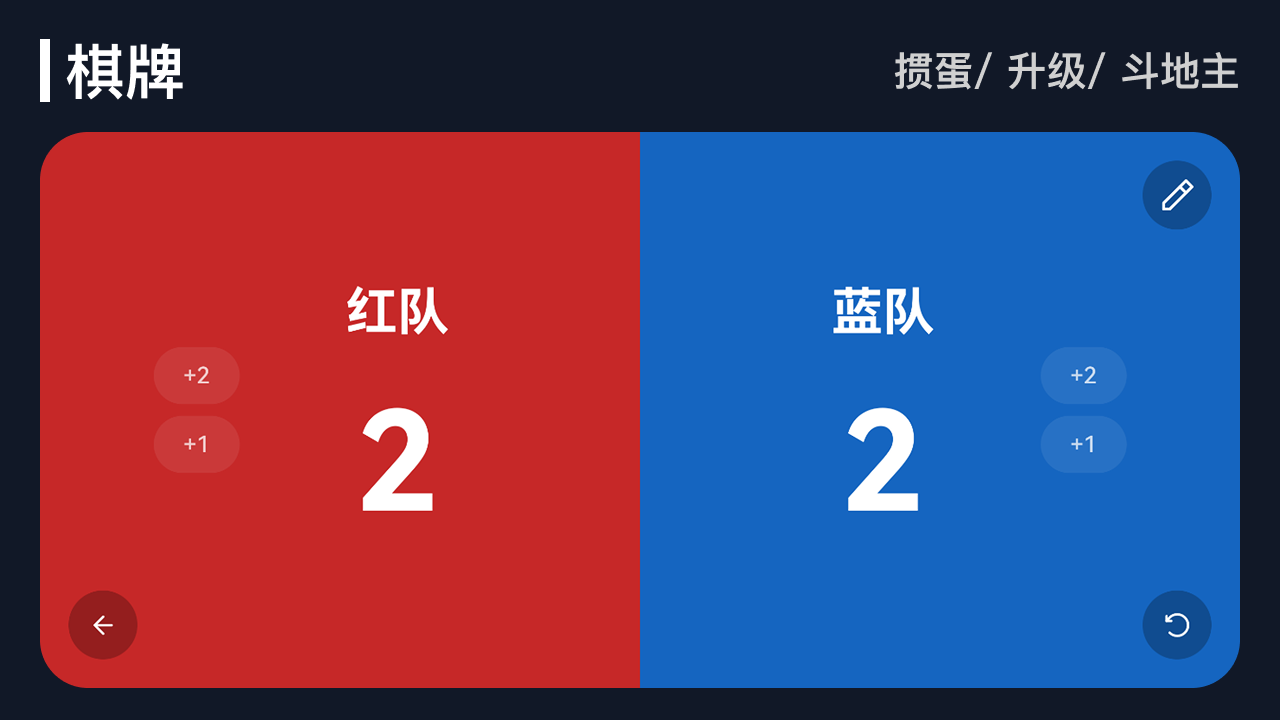
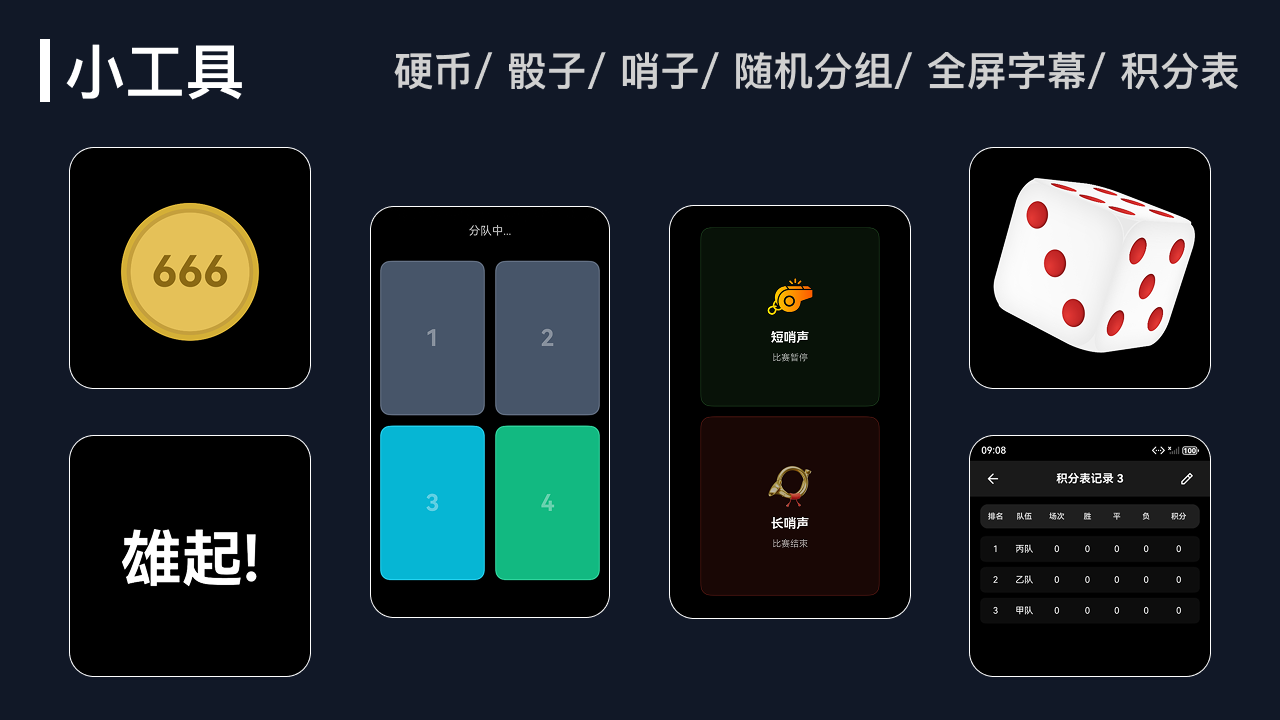
iScoreboard is a scoring app designed for HarmonyOS smartwatches, letting you score any match easily wherever you are.
From basketball and football to tennis and more, iScoreboard gives you a convenient scoring experience. With a simple, intuitive interface, you can record scores and review history in seconds and make match scoring effortless and fun.
Download iScoreboard from HUAWEI AppGallery today and turn your smartwatch into your scoring assistant.